

Free for iPhone and iPad
Your agent's simulator,
wherever you are.
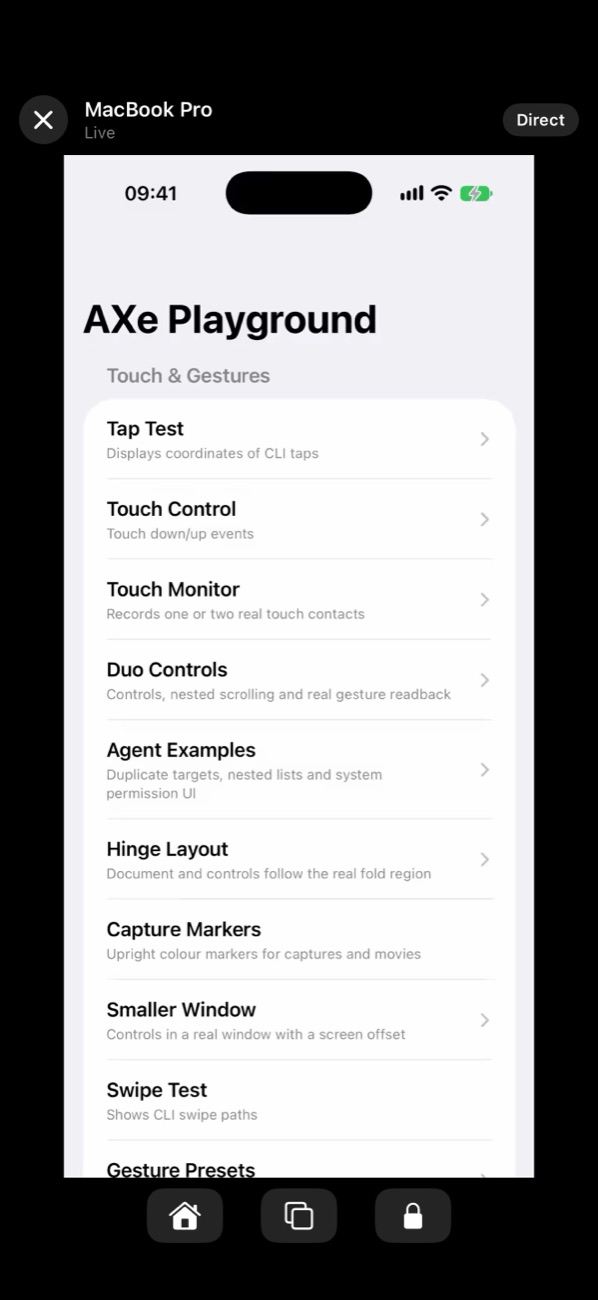
AXe Mirror shows an iOS Simulator running on your Mac on your iPhone or iPad, live, and sends your touches back. Leave your Mac and your coding agent working, and watch, touch and steer from anywhere.
No Mac to hand? The app's Try the demo button needs none.
One real session, recorded on an iPhone Duo and on the Mac. Shown faster than real time, with waiting cut.
What it is for
Stay with your agent's work when you leave your desk
A coding agent can build your app, run it in the Simulator and use it by itself. What it cannot do is show you. AXe Mirror puts that simulator in your hand.
Watch it work
Touch it yourself
Keep directing
Get started
Set up in three steps
You need an Apple silicon Mac with AXe installed, and an iPhone or iPad.
Get the app
AXe Mirror is free on the App Store for iPhone and iPad.

Prefer to build it? The source is in the AXe repository, and the documentation has the steps.
Pair it with your Mac, once
On your Mac, run the pairing command. It prints a QR code and a ten-character code.
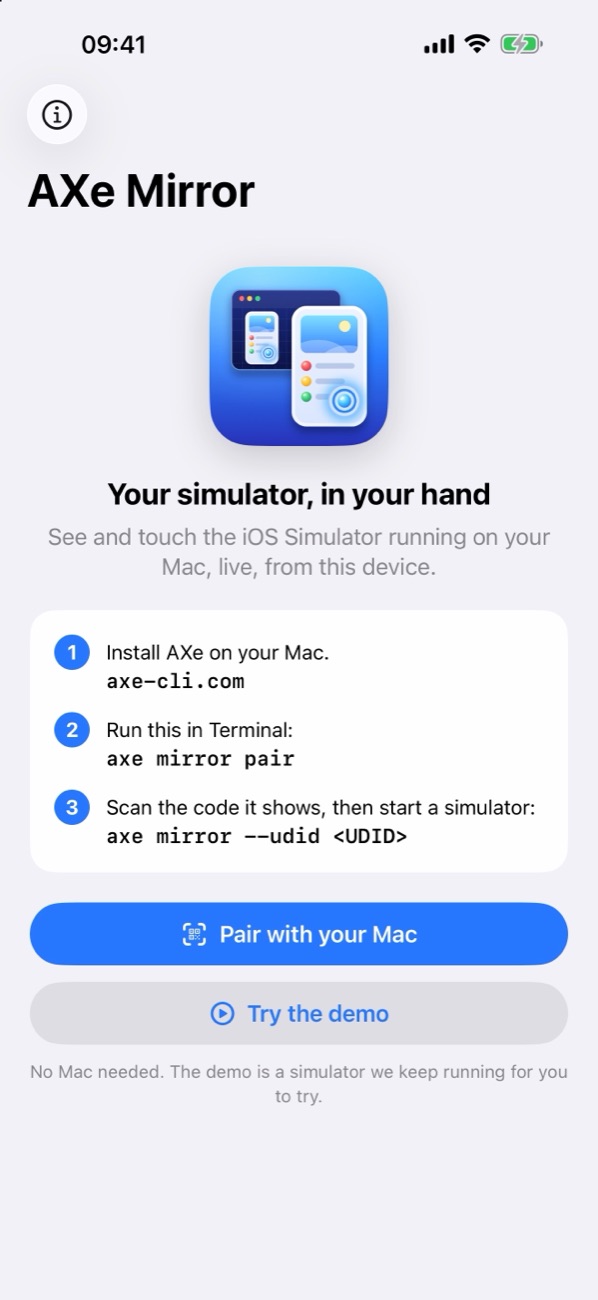
In the app, tap Pair with your Mac and scan the QR code, or type the code. The code works once, and for ten minutes. After that your device stays paired until you remove it.
❯ axe mirror pair
Scan this with the viewer app, or type the code. It works once, for ten minutes.

Code: 2ANZ6-A88DN
Waiting for the viewer. Press Ctrl+C to cancel.
Paired with iPhone Duo.
A sample. This code was cancelled when it was made, so it pairs nothing.
Mirror a simulator
Start hosting a booted simulator. This is the one your agent uses.
Then tap your Mac's name in the app. axe list-simulators prints the UDIDs, and Ctrl+C stops hosting.
How it connects
Straight from your Mac to your device
There is no cloud service in the middle holding your screen. The two devices find each other and talk directly whenever the networks between them allow it.
Direct first
A relay when needed
You can always tell
axe mirror prints the route it is using.Privacy and security
Encrypted from end to end, and only for devices you paired
AXe Mirror was built so that the people running it never see what you are working on.
End-to-end encryption
Pairing, not passwords
No accounts, no tracking
Only what you choose to share
axe mirror sends one simulator's screen, while you run it. It never sends your Mac's screen, your files or your code. The camera is used only to scan the pairing code, and its images stay on the device.The full detail is in the privacy policy and the security section of the documentation. Everything is open source, so you can read how it works.
What you need
Requirements
On your Mac
On your iPhone or iPad
Questions
Frequently asked questions
Is it free?+
Do I need an account?+
Does my simulator's screen pass through your servers?+
Can somebody else connect to my Mac?+
axe mirror pair, which works once and for ten minutes. Any other device is refused before any picture or touch is exchanged. Run axe mirror viewers to see what is paired and axe mirror unpair to remove a device.What exactly does it send from my Mac?+
--udid, as video, and only while axe mirror is running. It does not send your Mac's screen, your files or your source code, and the touches it receives go to that simulator and nowhere else.Does it work when I am away from home?+
axe mirror running. Nothing on your router needs setting up: there are no ports to open and no VPN to install.Which coding agents does it work with?+
Can I try it before installing anything on a Mac?+
What do I need?+
Does it mirror a real iPhone, or my Mac's screen?+
The picture is slow when both are on the same Wi-Fi. Why?+
axe off your local network, which sends the traffic through the relay. Allow your terminal app in System Settings > Privacy & Security > Local Network. The documentation explains how to tell. A wired connection for the Mac helps too.What does the relay keep?+
Something else? See Support, read the documentation, or open an issue on the AXe GitHub repository.
Get AXe Mirror
Free for iPhone and iPad. No account.